

AI visual inspection · runs on your plant floor, no cloud
Stop inspecting by eye. Eyve sees your line and decides: pass or fail.
Eyve 2.1 is AI visual-inspection software, open source and free, that runs on a PC next to your line. You show it your part with ten photos, train it right there, and by the end of the shift it detects, counts and flags. No cloud, no server, no asking anyone for permission. And when you need it to validate as well —polarity, flow, silkscreen, patterns— the checks SBC already built are there: load them and tune them to your parameters.
Free is really free, forever: open source (AGPL-3.0) with the whole flow, from capture to training to production. Instant key, no card, no trial that expires. The other tiers are yearly licenses, only here and only once per email, 30 % or more below list.
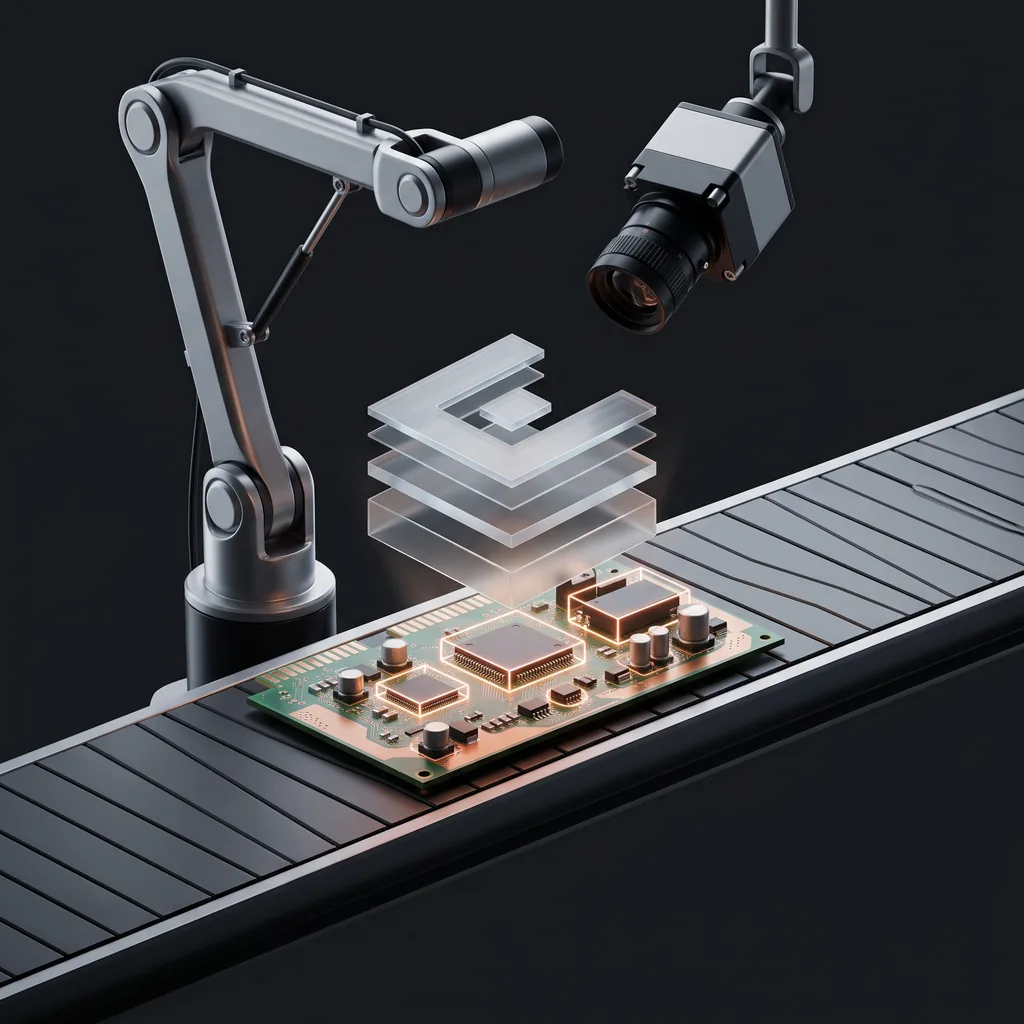
All on one PC, no internet
Installs on the line's machine and keeps working with the network down. Your photos never leave your plant. The license carries tier and expiry inside: Eyve never asks a server for permission to start a shift.
Ten photos, one shift
1.0 needed 60 photos. 2.1 reaches 90 % detection with ten OK captures and your NOT OK conditions, training on the same PC (with or without a GPU). One shift to a useful model, not a months-long project or a data scientist.
Honor-based, nothing locks you out
A license is one person with up to three machines, 12 months. An engineer with a laptop, a station and a spare is one license; three operators are three. Expired or offline, Eyve still opens: it warns, it doesn't shut.
The whole path, in one tool
There are excellent open vision engines —OpenCV, YOLO, PyTorch— but an engine is not a shop-floor tool. Nobody compiles their own Linux: they use a distribution. Eyve is that for visual inspection: the open kernel already assembled for plant engineering to use, not a machine-learning specialist.
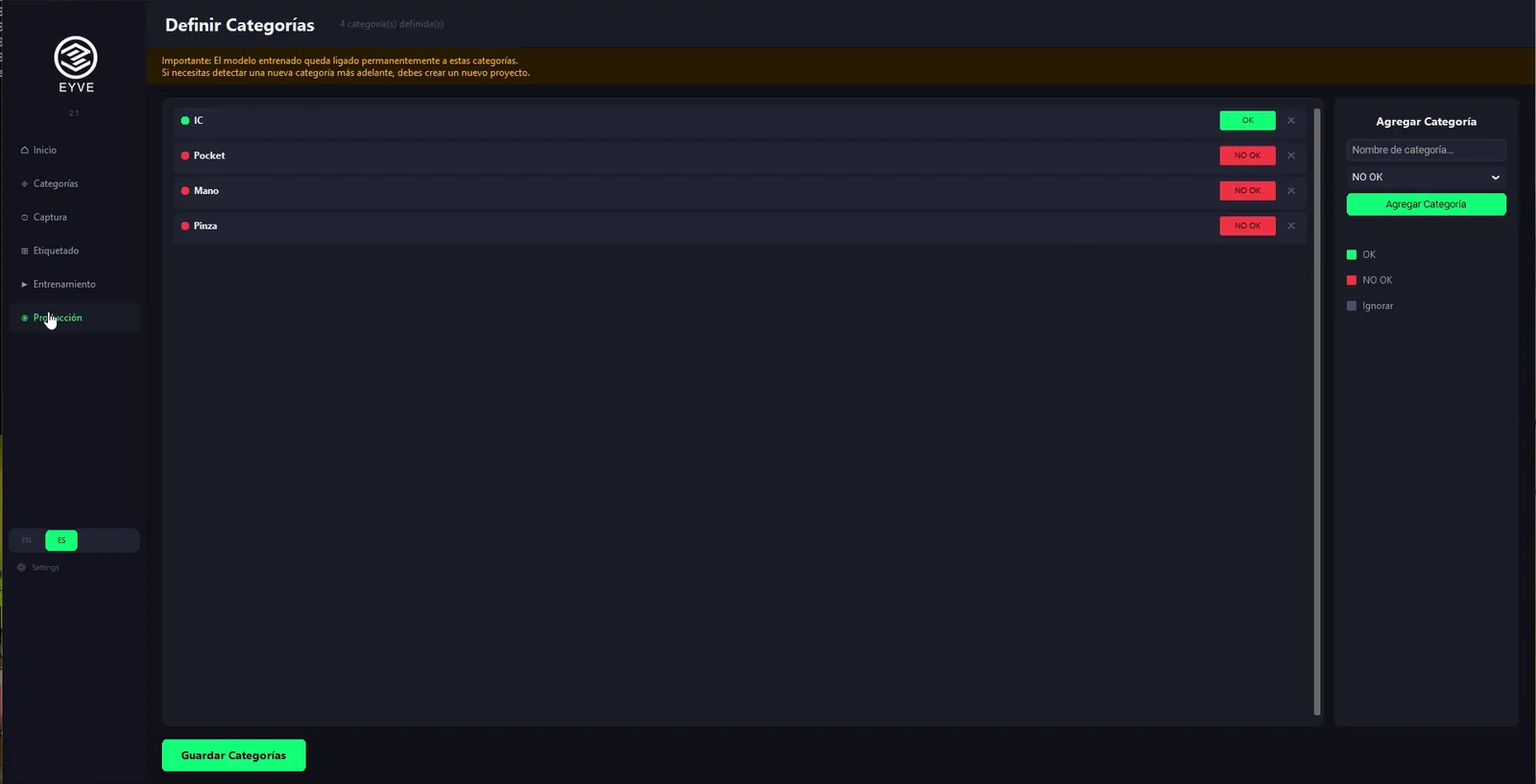
1 · Project and categories
Create a project per part or per SKU and define the categories yourself: OK, empty pocket, flipped component, shifted. Whatever your process needs.
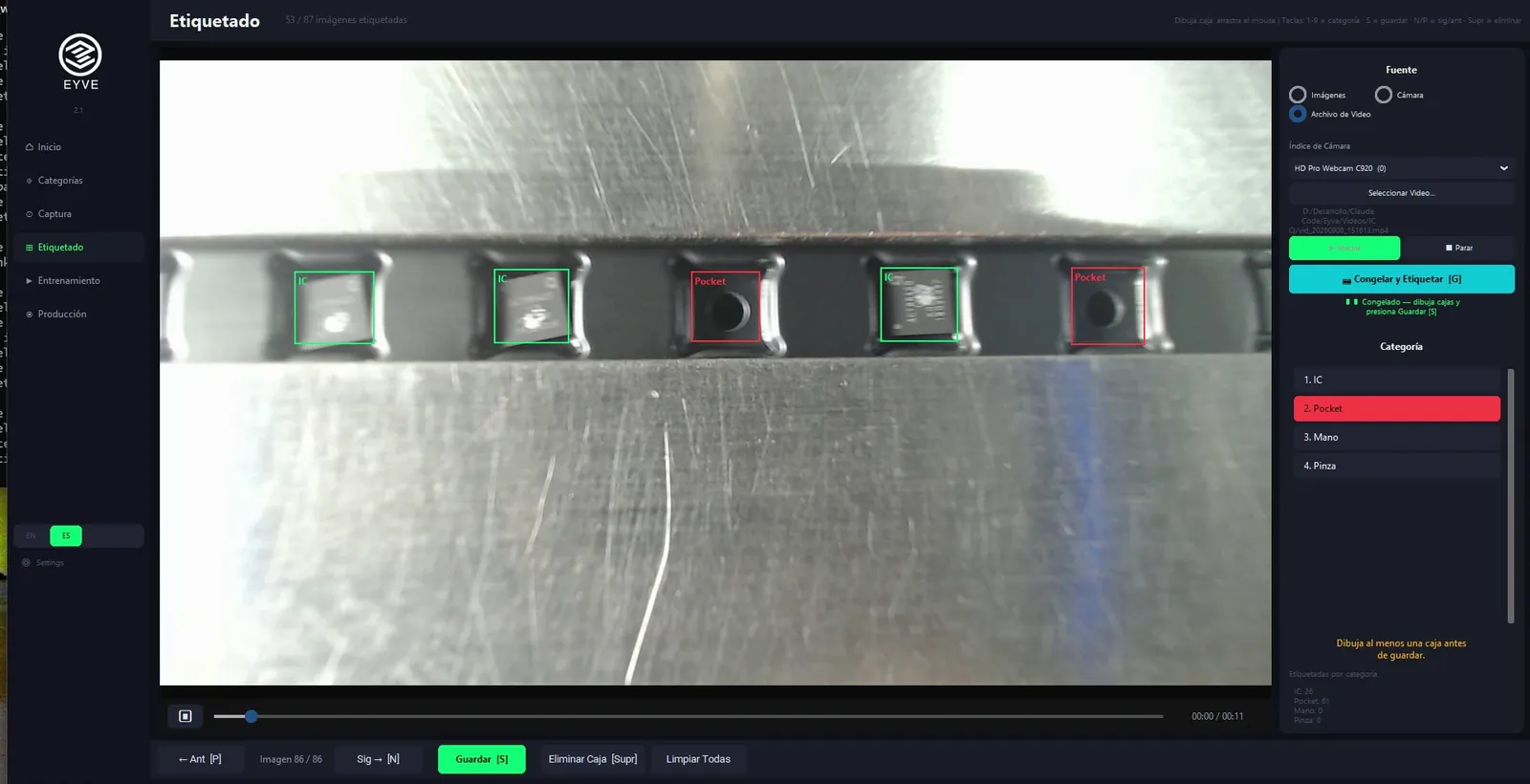
2 · Capture and labeling
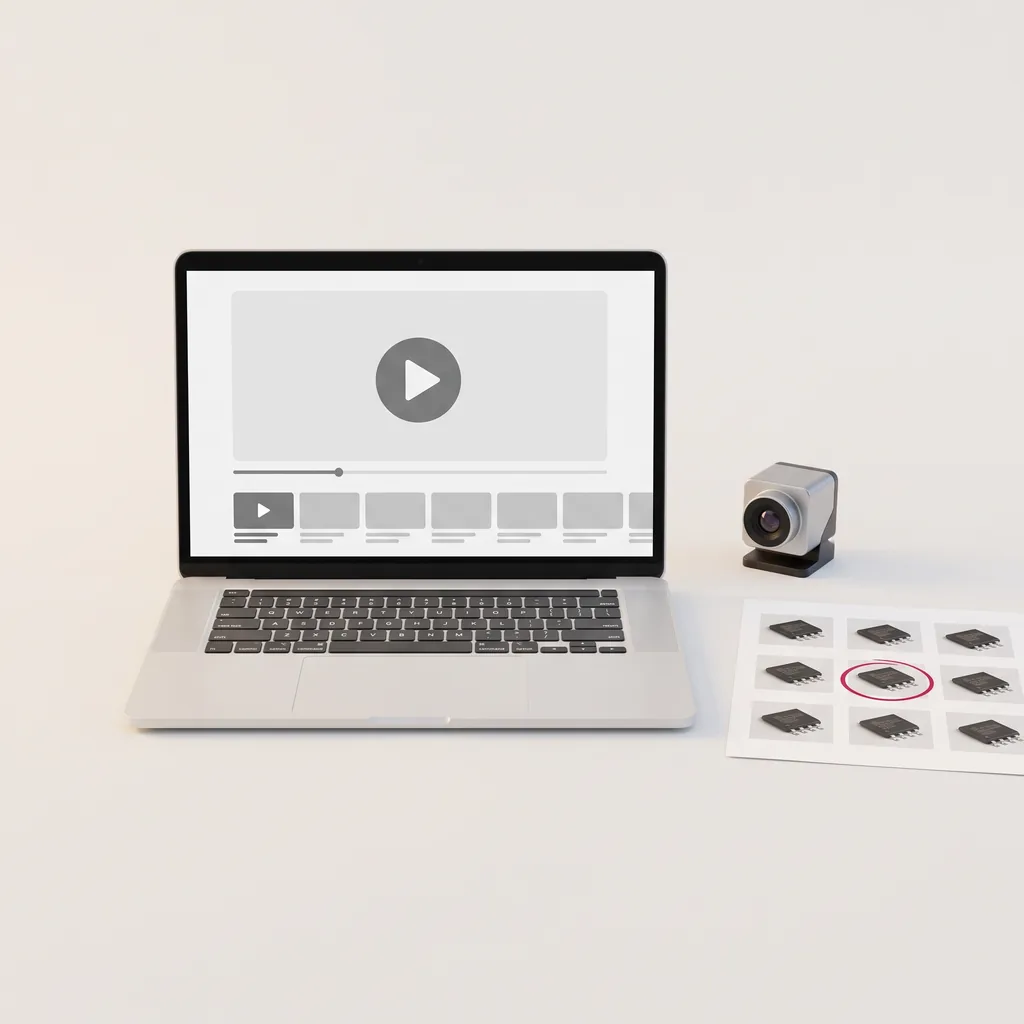
USB camera, video file or live feed. Freeze, mark, save. Ten good samples and your bad cases are enough to start.
3 · Local training
One button. Minutes with a GPU; without one it works too, with a progress bar and time estimate. The model stays on your PC. Or package the dataset and train it on another machine.
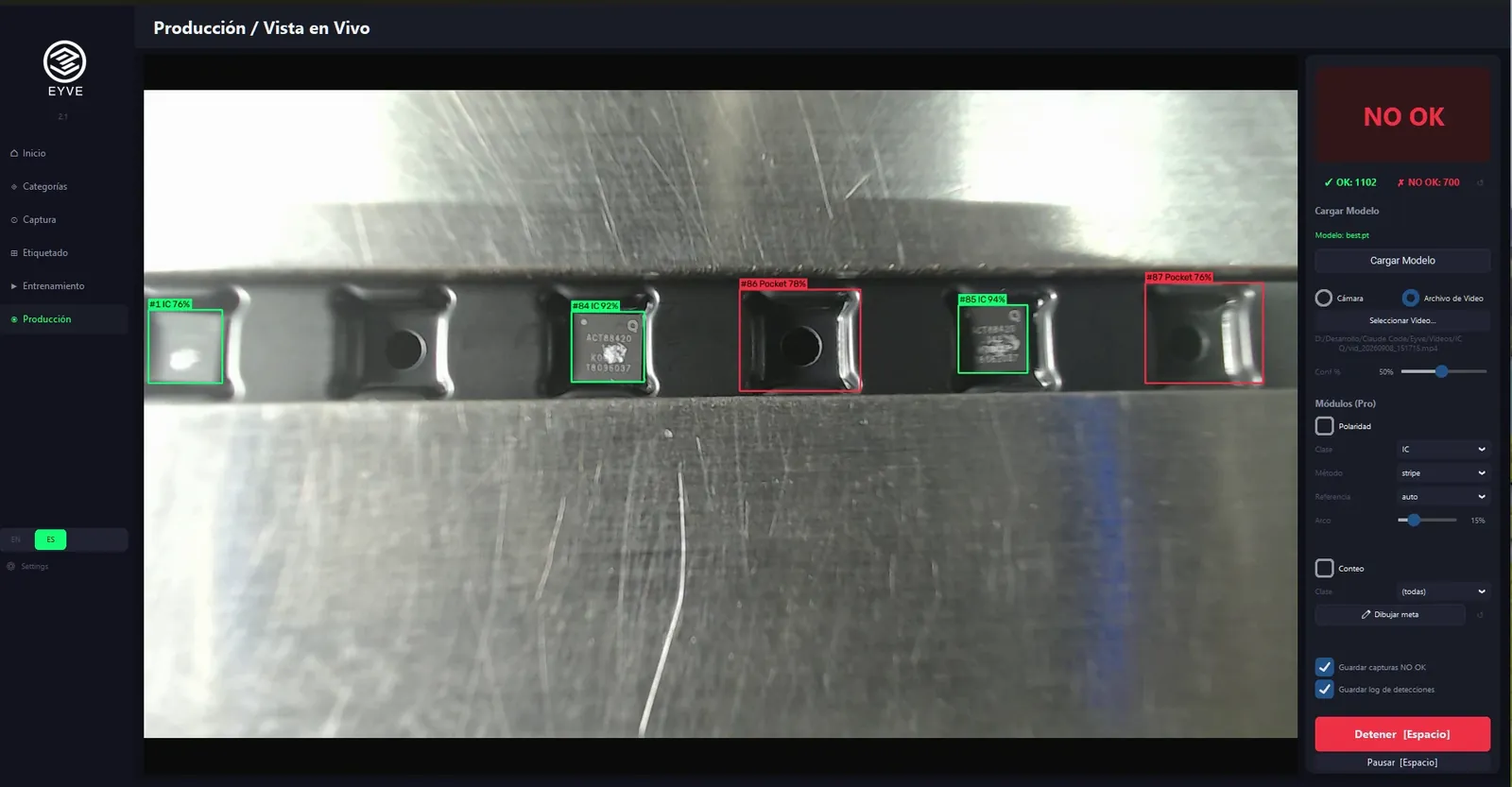
4 · Production
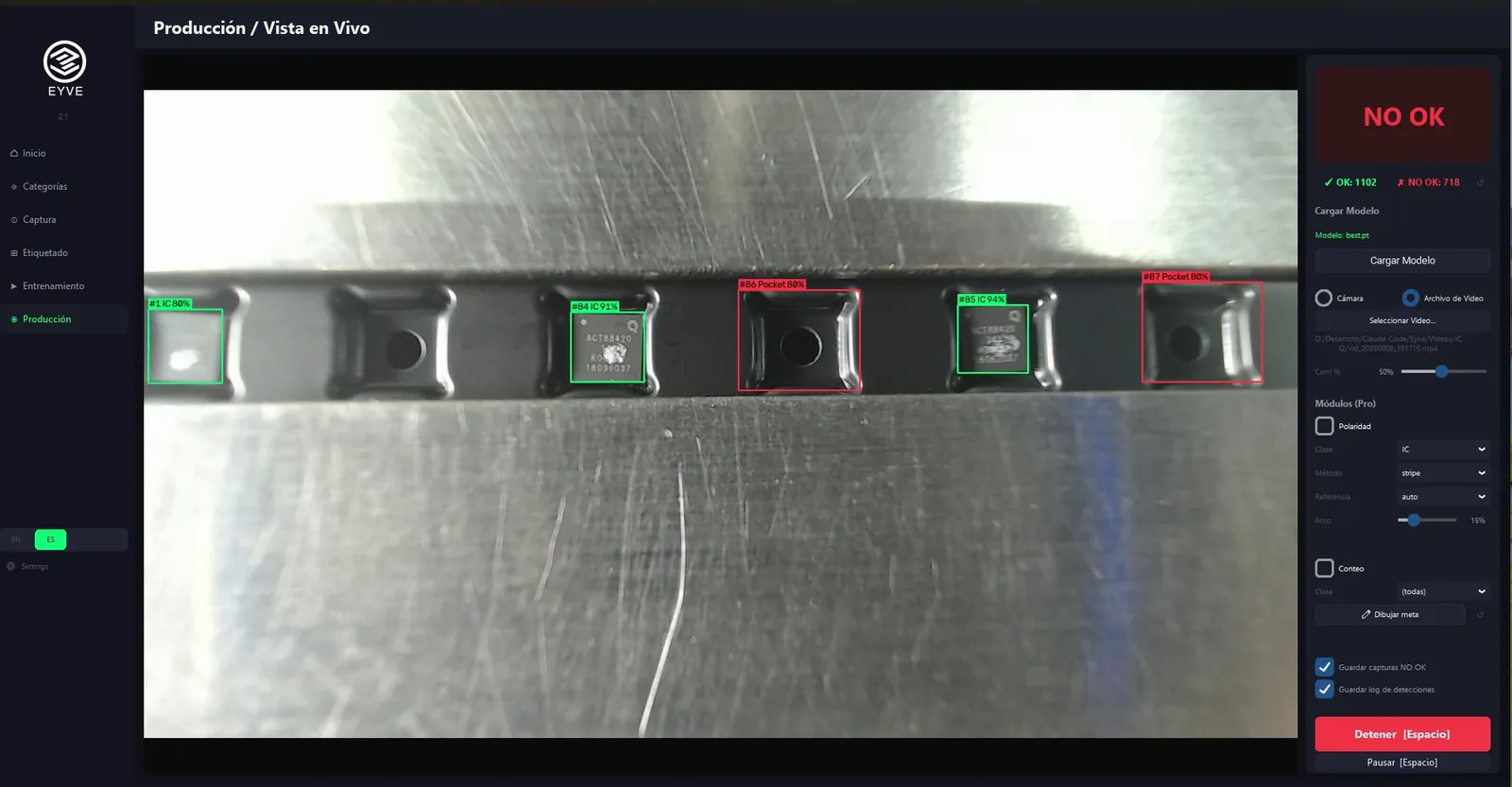
Live feed with counting, OK / NOT OK per category, captures of the NOT OKs and a log of every detection. Ready for a demo or for the line.
All of this —project, categories, capture, labeling, training and production with counting and log— is free and open source (AGPL-3.0). You can run it, read it and modify it. No trial, no watermark, no day 31. What is not in the open code are the advanced checks: the layer that processes what was detected and decides. You can build that yourself on top of Eyve, or use the one SBC already built (below).
Any defect, any industry. If a camera can see it and you can point at it in ten photos, Eyve learns it: components in SMT, pockets in Tape & Reel, flash in injection molding, labels, packaging, food.
Detecting is half the job. Checks are the other half.
A vision model tells you what is there and where: "here is a capacitor". That is detecting, and Eyve Free does it completely: finds, counts, logs.
Inspecting is something else. It means taking each detected instance and processing it against a criterion: is it in the right orientation? does the solder flow cover what it should? does the silkscreen match the reference? is the pin pattern the expected one? That second half —process, compare, validate— is what we call a check, and it is what turns a detection into a quality decision.
That second half is not in the open code, but Eyve lets you build it: with Normal you get the open platform —access to every detected instance from Python— to write your own checks by hand. It's the option if your engineering team wants to develop and has the time.
With Pro you don't develop: the license gives you the checks SBC already built and validates on its own Tape & Reel and SMT lines —polarity, flow, silkscreen, patterns, OK / NOT OK— and you only tune them to your parameters: which class, which reference, which tolerance. It's the option if you want to inspect on Monday, not develop for three months.
That's why production requires Pro: not because the software stops you —it doesn't— but because what the license covers is the criterion the decision is made with.
Instance: each object the model detects in the image. Check: module that processes an instance and returns pass / fail. Module: check or tool enabled in production (counting, polarity…).
Four yearly-license tiers. Pick by what you'll do with what Eyve detects.
| Free0No time limit | Student20 USD / year |
Normal45 USD / year |
Required in productionPro = Enterprise100 USD / year |
|
|---|---|---|---|---|
| Detect | ||||
| The whole flowProject, categories, capture, labeling and training | ✓ | ✓ | ✓ | ✓ |
| Production with counting and log | ✓ | ✓ | ✓ | ✓ |
| Open source AGPL-3.0 | ✓ | ✓ | ✓ | ✓ |
| Inspect — the checks | ||||
| Build your own checksAccess to every detected instance from Python | — | ✓ | ✓ | ✓ |
| Checks SBC already builtPolarity, flow, silkscreen, patterns, OK / NOT OK. Load them and tune them; nothing to program | — | — | — | ✓ |
| Covers the quality decision in production | — | — | — | ✓ |
| The license | ||||
| Term | No limit | 12 months | 12 months | 12 months |
| First SKU kickoffOptional, 1,500 USD one-off. 10 slots a month | — | — | ✓ | ✓ |
| Verification required | — | Yes | — | — |
Yearly license (12 months) · 1 user · up to 3 machines · USD, tax included, charged in MXN at the day's reference rate. Production requires Pro: the other tiers can run there and nothing stops them, but the license doesn't cover the quality decision. Checkout is in Spanish (SBC Store).
Going to production and don't want to build the first model yourself? With Normal or Pro add the first SKU kickoff: you send ten photos of your part, we deliver the trained model with three modules —counting and two checks— and logging, ready for demo or line. 10 slots a month.
Step 1 of 5
Two details and we're on
This reserves your launch price for 72 hours. Nothing else for now.
Step 2 of 5
Which tier? Yearly license · 12 months
Launch price, valid once per email.
Step 3 of 5
Add the course?
Step 4 of 5
First SKU kickoff
1,500 USD · one-time ·
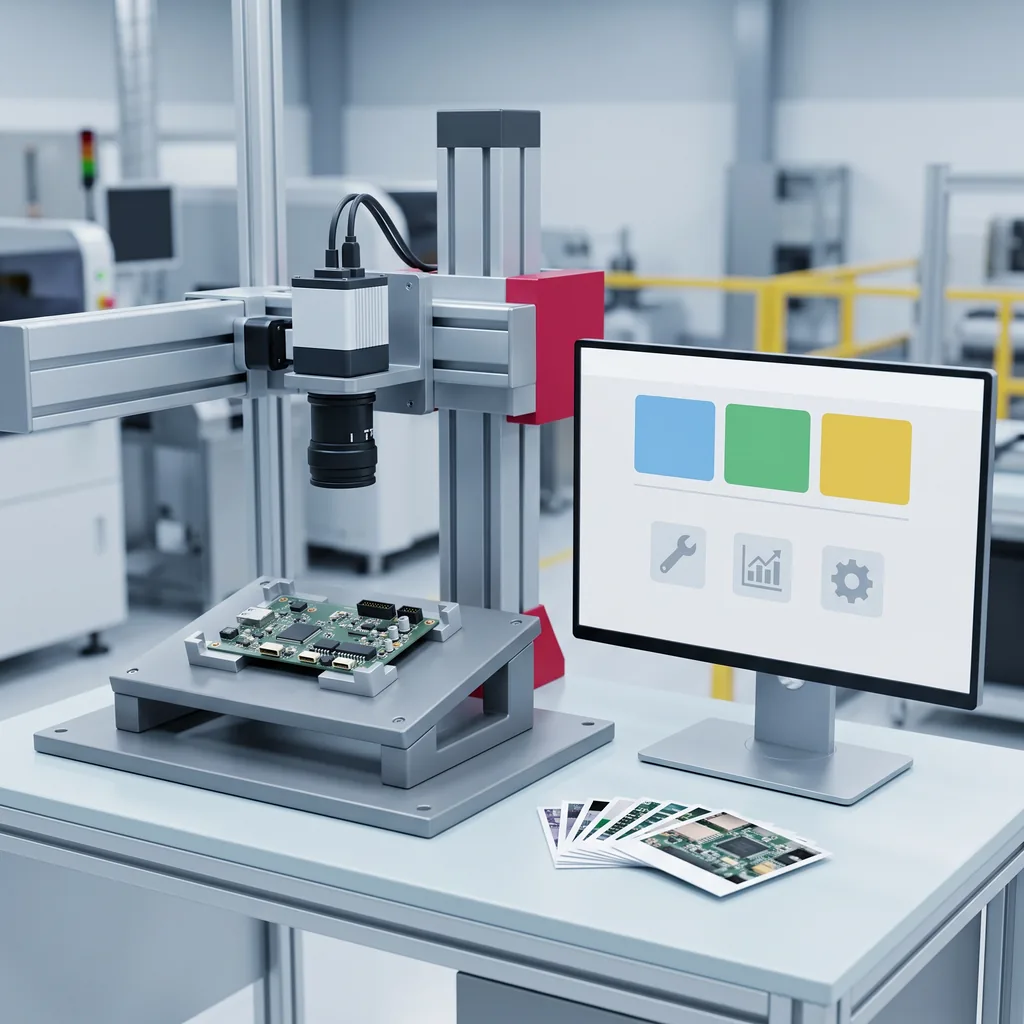
One model, one SKU, three modules —counting and two checks— and logging. Ready for demo or production. Charged before delivery.
What you bring: the captures. Ten OK samples and your NOT OK conditions; we send you the capture guide. We build and validate the model.
Several SKUs, integrations or special requirements? Request a quote: that doesn't go to the cart.
Step 5 of 5
Last step
Your order is on the right; you can still adjust it. These details are optional. The pay button is under the summary.